
Appearance
安装 hermes-agent
本文是以 docker-compose 的方式进行安装 hermes-agent。如果需要其他安装方式,请参考 hermes-agent 官方文档。
docker-compose.yaml 文件
yaml
services:
  hermes:
    image: nousresearch/hermes-agent:latest
    container_name: hermes
    restart: unless-stopped
    command: gateway run
    volumes:
      - ~/.hermes:/opt/data
    networks:
      - hermes-net
    # Uncomment to forward specific env vars instead of using .env file:
    environment:
      - API_SERVER_ENABLED=true
      - API_SERVER_PORT=8642
      - API_SERVER_HOST=0.0.0.0
      - API_SERVER_KEY=averystrongpassword
    #   - ANTHROPIC_API_KEY=${ANTHROPIC_API_KEY}
    #   - OPENAI_API_KEY=${OPENAI_API_KEY}
    #   - TELEGRAM_BOT_TOKEN=${TELEGRAM_BOT_TOKEN}
    deploy:
      resources:
        limits:
          memory: 4G
          cpus: "2.0"

  dashboard:
    image: nousresearch/hermes-agent:latest
    container_name: hermes-dashboard
    restart: unless-stopped
    command: dashboard --host 0.0.0.0 --insecure
    ports:
      - "127.0.0.1:9119:9119"
    volumes:
      - ~/.hermes:/opt/data
    environment:
      - GATEWAY_HEALTH_URL=http://hermes:8642
      - GATEWAY_HEALTH_KEY=averystrongpassword
    networks:
      - hermes-net
    depends_on:
      - hermes
    deploy:
      resources:
        limits:
          memory: 512M
          cpus: "0.5"

networks:
  hermes-net:
    driver: bridge
启动 hermes-agent
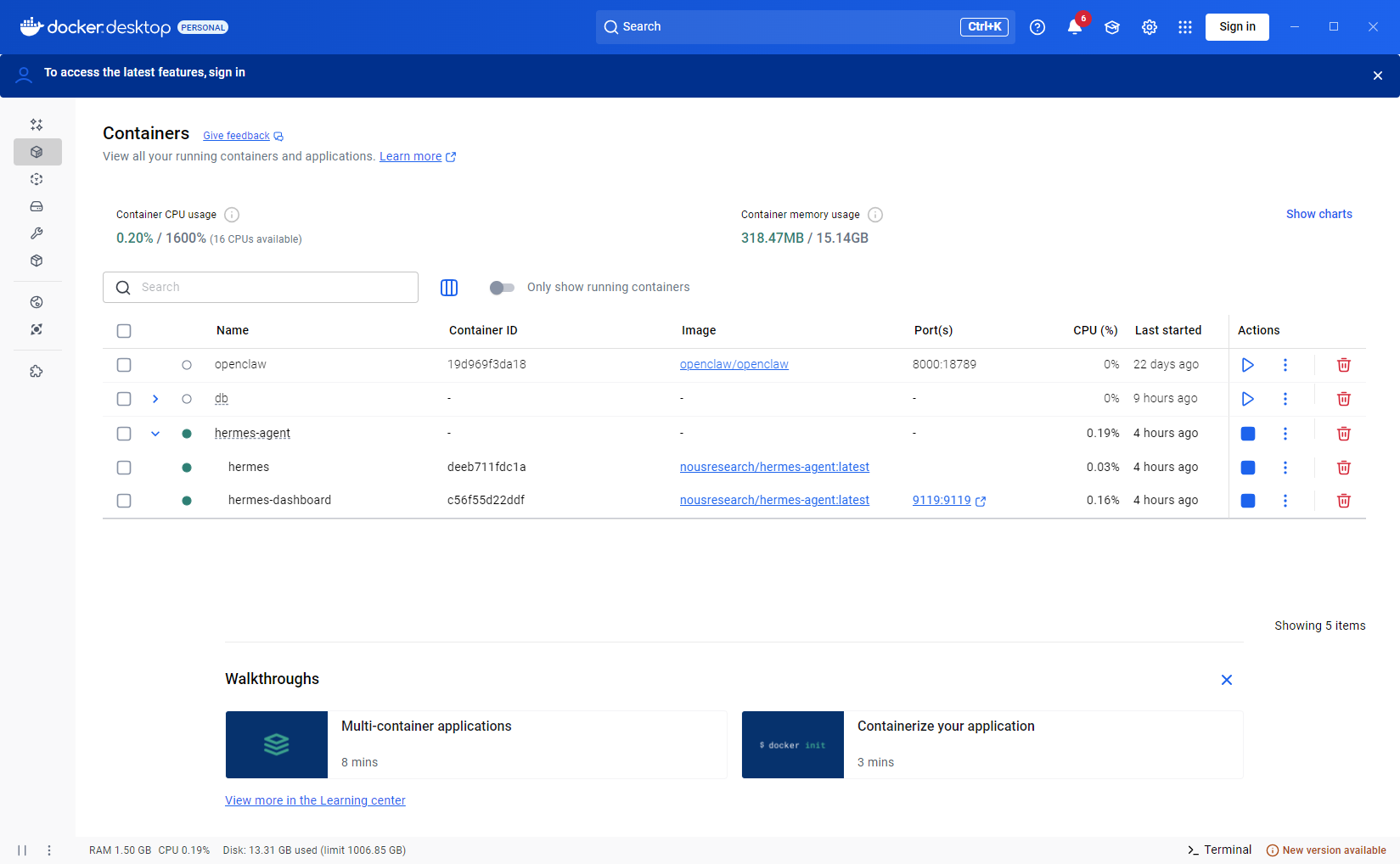
在docker-compose.yaml文件所在目录下执行以下命令启动hermes-agent
bash
docker-compose up -d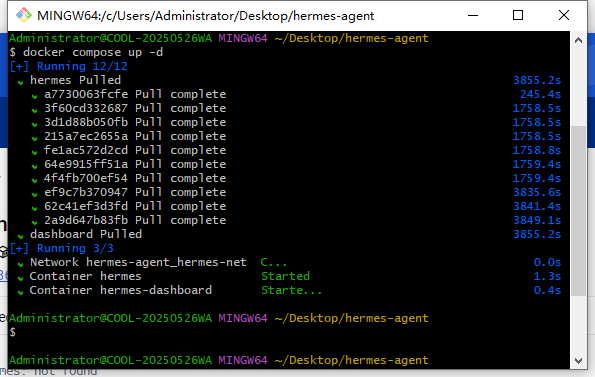
访问 hermes-agent
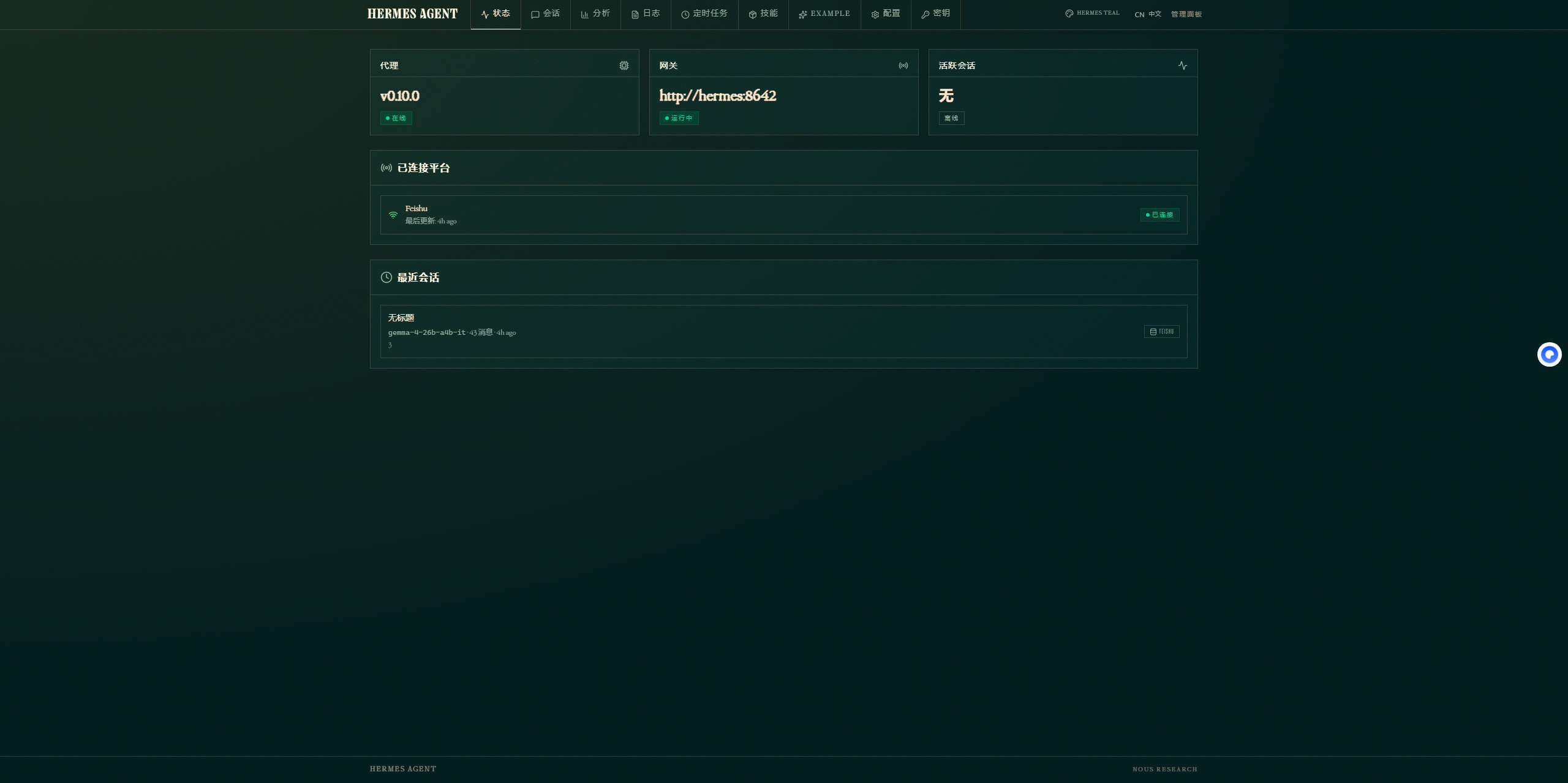
在浏览器中访问http://localhost:9119即可访问hermes-agent的dashboard页面。
注意事项
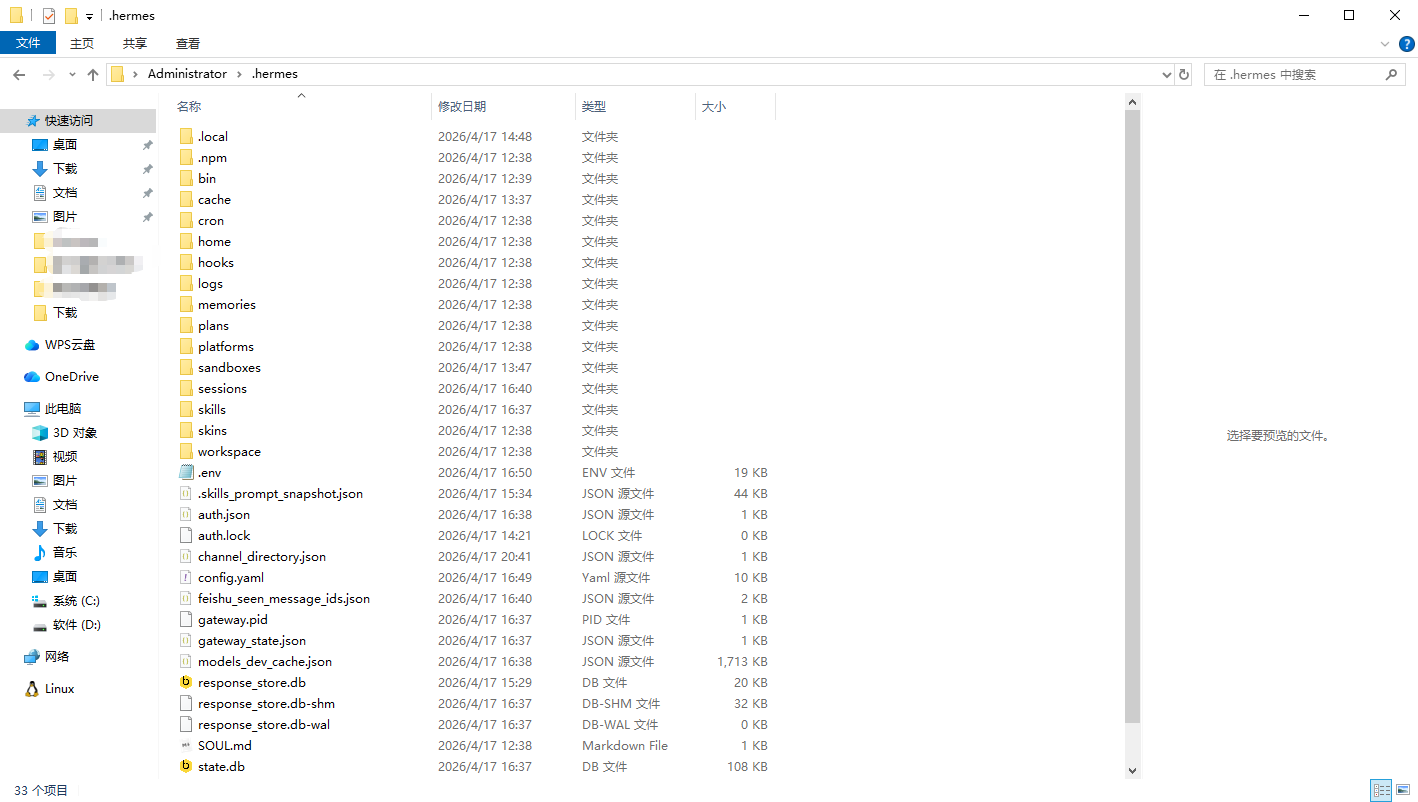
挂载目录
在docker-compose.yaml文件中,挂载目录为~/.hermes,在 mac 中即为/Users/用户名/.hermes,在 windows 中即为C:\Users\用户名\.hermes。
dashboard 访问
在docker-compose.yaml文件中,由以下设置--insecure,导致 dashboard 访问无须任何认证即可访问,若部署在公网上,请用nginx反向代理,添加认证等安全措施。
bash
dashboard --host 0.0.0.0 --insecure