
Appearance
模型设置
这里注意讲 hermes-agent 的模型设置方法,分OpenRouter和Nous Portal的配置。
OpenRouter
获取 API Keys
登录OpenRouter,生成API Keys。
设置 API Keys
方法一:在hermes-agent 的Dashboard中,找到密钥 -> LLM 提供商 -> OpenRouter,填入API Keys。
方法二(推荐):在hermes-agent 的.env中直接写入API Keys:
OPENROUTER_API_KEY=sk-xxxxxx重启hermes-agent 服务。
获取模型 ID
在OpenRouter模型管理页面,选择免费模型,如Gemma 4 31B,复制模型ID,如google/gemma-4-31b-it。
设置模型 ID
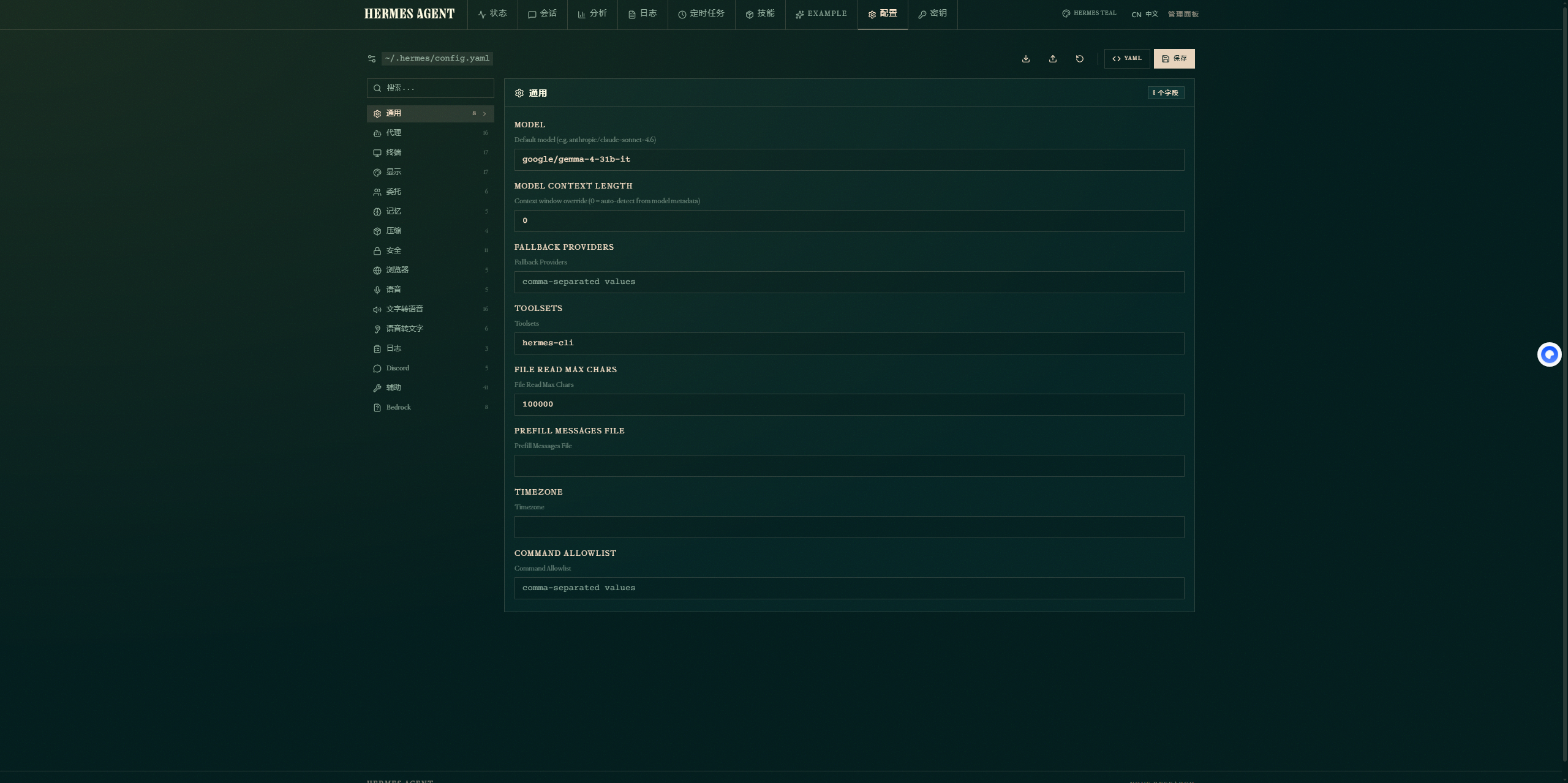
在hermes-agent 的Dashboard中,找到配置 -> 通用 -> Model,填入模型ID。
Nous Portal
这种方式比较麻烦,尽管写文章时xiaomi mimo在Nous Portal中免费使用,但需要绑卡之后才能使用,所有并没有成功,因为是境外支付,国内的卡不能检验通过,或许不能绑定也或许需要开通境外支付才能建议成功,但还是讲一讲大致的操作步骤。
获取 API Keys
登录Nous Portal,点击Create Key,提示 You're out of funds! Add API credits or ensure your subscription credits are available before creating a new key.
并且页面显示:Important: Subscription credits are for Nous Chat and Hermes Agent and do not count towards direct API access. To manage your subscription, visit the Products page.
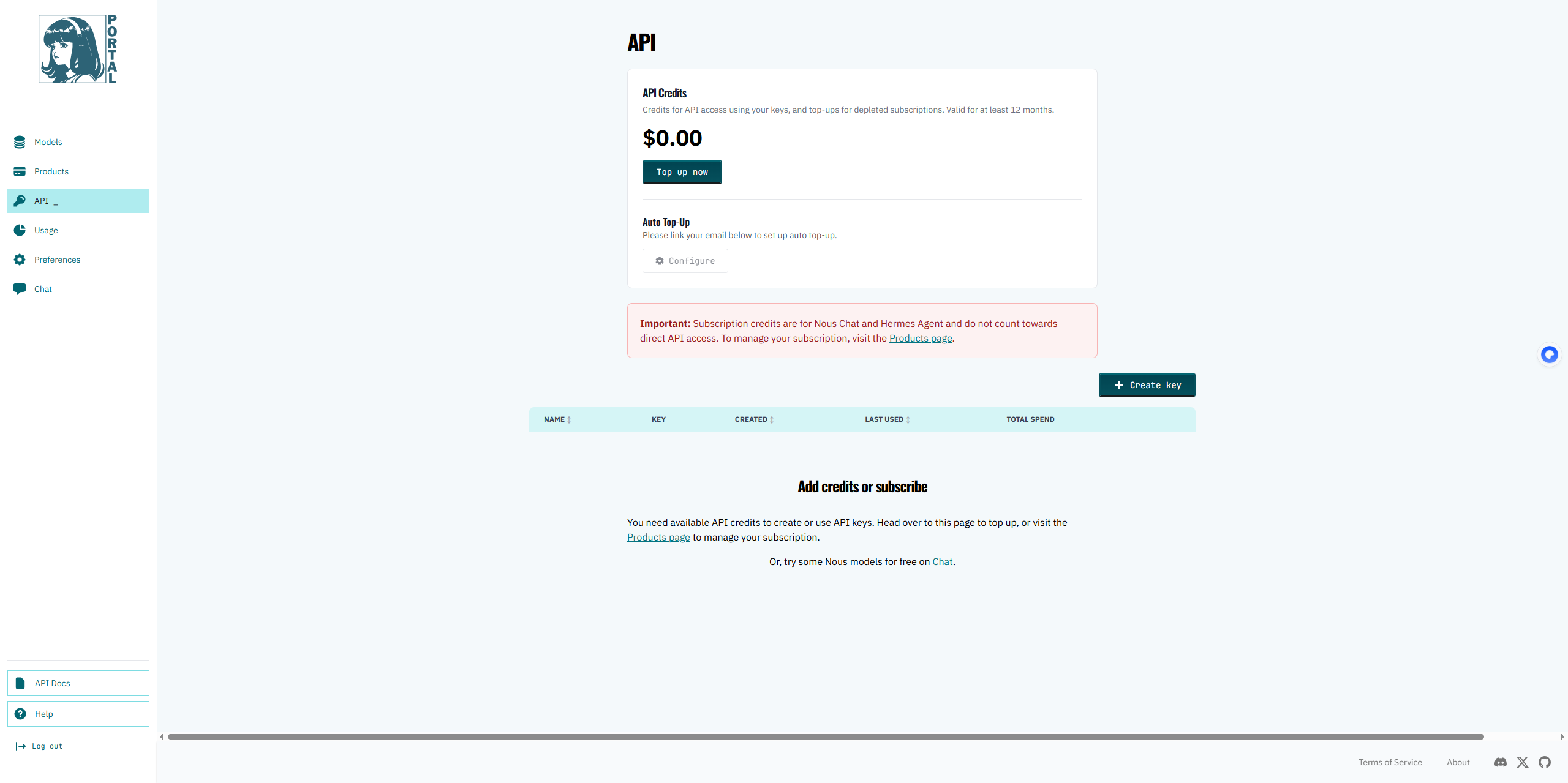
我们需要先去绑卡。
绑定卡
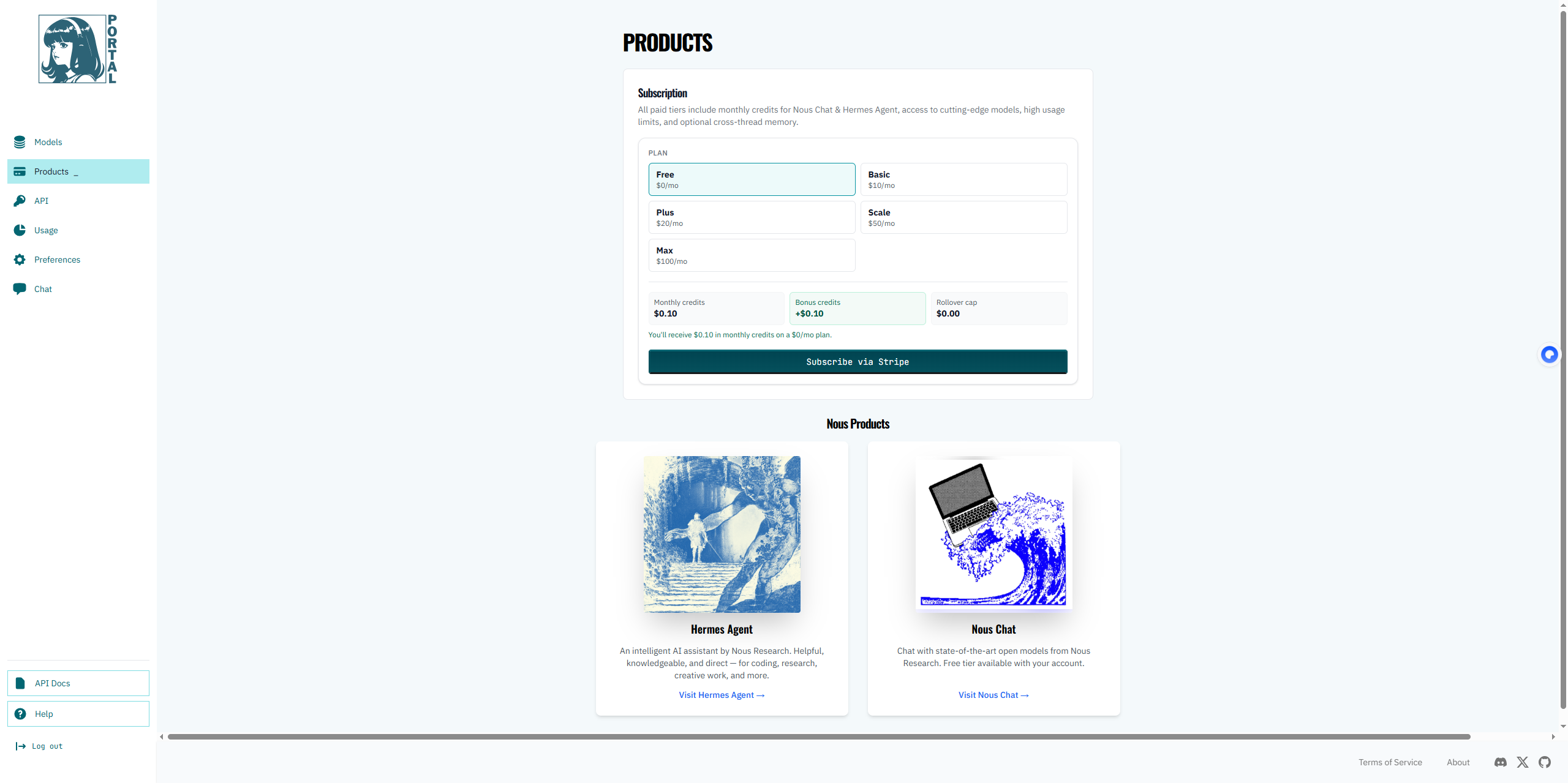
点击Products page选择Free,点击Subscribe via Stripe订阅。
填写银行卡信息,是支持银联卡的。 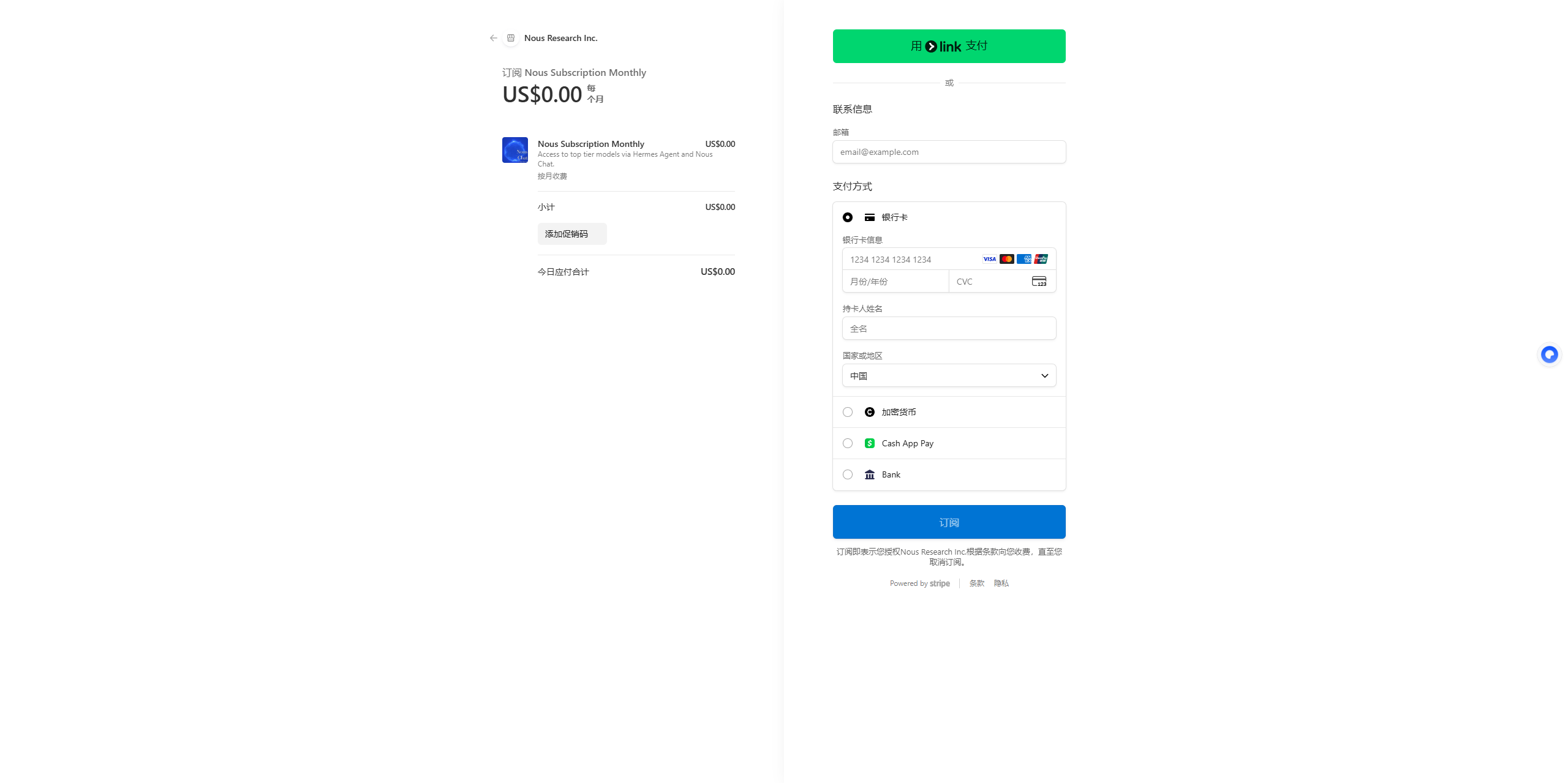
由于校验不通过就写到这里了。